

Whether an outdoor TV needs WiFi depends entirely on how you plan to use it. The answer is more nuanced than a simple yes or no — and understanding your actual use case before installation will save you from a frustrating setup or an unnecessary equipment purchase.
When You Do Not Need WiFi at All
If you plan to connect a cable or satellite box, Blu-ray player, gaming console, or any other HDMI source directly to the TV, WiFi is not required. The TV functions as a display, and all content comes through the wired connection. Many outdoor TV installations in bars, sports venues, and commercial patios run this way — no internet connection needed.
Similarly, if you connect an external streaming device (Apple TV, Fire Stick, Roku Stick) via HDMI, that device handles its own wireless connection independently. The TV itself still does not need WiFi.
When WiFi Becomes Necessary
If you want to use the TV's built-in smart platform — Google TV, Roku TV, or similar — to stream directly from the panel without an external device, you need a WiFi connection that reaches the outdoor TV's location. Built-in streaming apps require an active internet connection to function.
WiFi is also required for:
- Over-the-air software updates for the TV's operating system
- Google Assistant or Alexa voice control features
- Screen mirroring from a phone or tablet to the TV
- Smart home integrations (if the TV is part of a broader automation system)
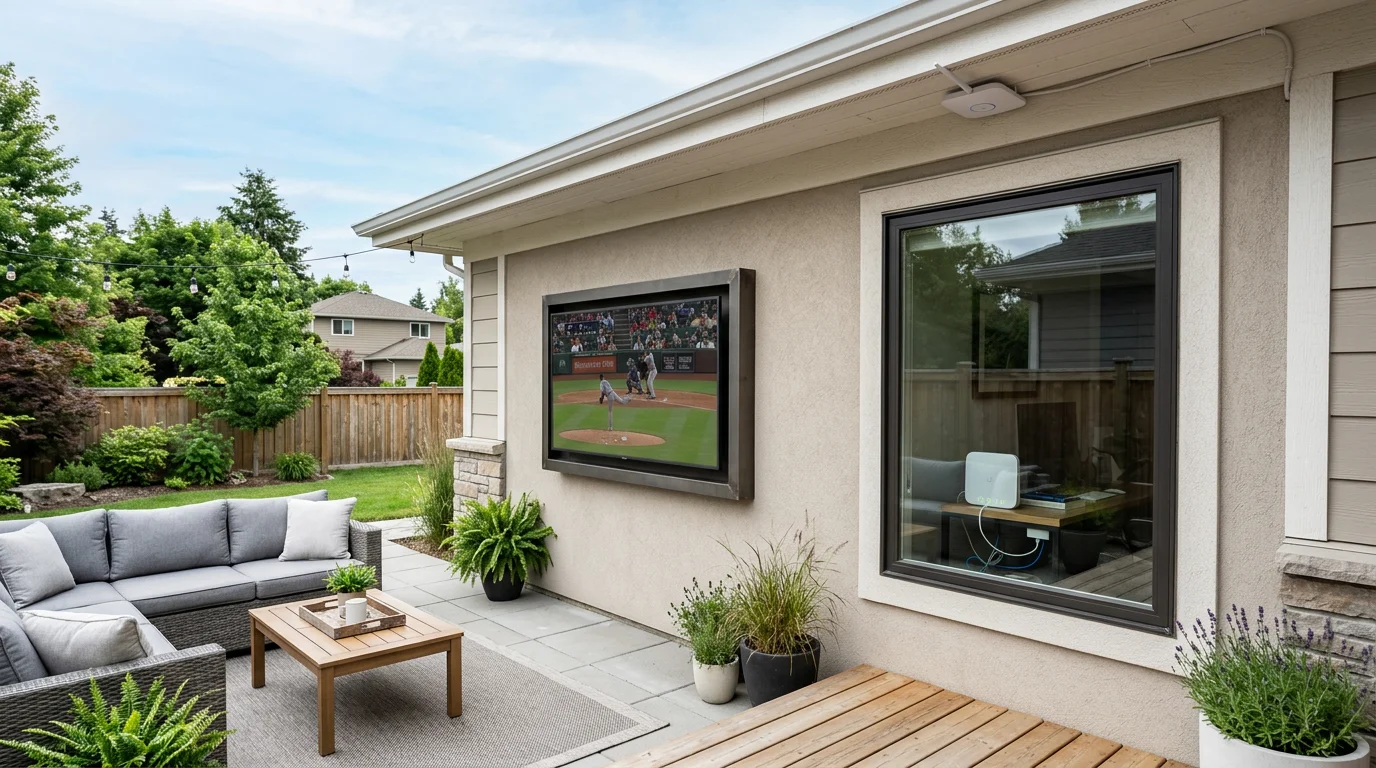
Does Your WiFi Signal Actually Reach Outside?
This is where most outdoor TV setups run into problems. A standard home router placed centrally inside a house typically delivers usable WiFi signal 20 to 40 feet into an open outdoor space — but walls, building materials, and obstructions reduce that range significantly. A concrete or brick exterior wall can cut effective outdoor range by 50% or more (source: Digital Wise Guys, February 2026).
Before assuming your outdoor TV location has adequate WiFi coverage, test the signal strength at that exact spot with your phone. If you see two bars or fewer, streaming reliability will suffer — buffering, dropouts, and slow app load times are common below -70 dBm signal strength.
Solutions for Weak Outdoor WiFi Signal
- Outdoor mesh node: Systems like Eero Pro, Orbi, or Google Nest WiFi Pro support outdoor-rated access points that extend your network into the backyard. Most mount under an eave and connect back to the main router via your existing home network. Cost: $100 – $250 for the additional node.
- Outdoor WiFi access point: Dedicated outdoor access points (Ubiquiti UniFi, TP-Link EAP series) are weatherproof and designed for this use case. These require more setup but deliver reliable, high-throughput coverage. Cost: $80 – $200.
- Outdoor Ethernet run + wired connection: Running a direct-burial Cat6 cable from your router to the TV location eliminates WiFi entirely. Outdoor Ethernet cable is inexpensive and the connection is inherently more stable than wireless (source: cekotech.com, March 2026). Most outdoor TVs include an Ethernet port alongside WiFi.
WiFi vs. Ethernet for Outdoor TV Streaming
If you have the option to run Ethernet to the TV location, it is worth doing. A wired Ethernet connection eliminates the signal variability that causes buffering during peak neighborhood WiFi congestion hours (typically evenings — exactly when you are most likely watching). For 4K HDR streaming, which requires a sustained 25 Mbps connection, a wired connection is more reliable than WiFi at the same nominal speed (source: Reddit r/cordcutters, 2026).
That said, a strong WiFi signal at the TV location — two or more bars, confirmed by a speed test showing 50+ Mbps — is perfectly adequate for 4K streaming in practice. Most households will not notice a difference between strong WiFi and Ethernet for typical streaming use.
Who Should Not Worry About WiFi Coverage
If your outdoor TV installation is within 20 feet of your home's exterior wall and your router is on the same side of the house, your existing WiFi signal is probably sufficient. Test it first before buying additional equipment. And if you are connecting the TV primarily via HDMI to a cable box or gaming console, you can skip the WiFi question entirely — it simply does not apply to your setup.
For guidance on running cables outdoors cleanly, see How to Hide Outdoor TV Cables: 4 Clean Solutions. For the full installation process, see How to Install an Outdoor TV: A Step-by-Step Guide.

0 comments