

Watching a game outside is one of the best uses of an outdoor TV — but a sports setup has specific requirements that a casual evening movie setup does not. Motion clarity, audio outdoors, glare during afternoon kickoffs, and reliable streaming during peak game hours all require deliberate decisions. This guide covers each one.
Brightness: The Non-Negotiable for Sports
Most major sports air in the afternoon — NFL, college football, baseball, and golf all have significant daytime schedules. This is the worst time of day for outdoor TV glare. A 700-nit shade-rated TV that looks fine at 8pm is borderline unwatchable at 2pm with any ambient light.
For outdoor sports viewing, the minimum recommended brightness is 1,000 nits for shaded locations and 1,500+ nits for any partial-sun exposure (source: tvsbook.com outdoor TV sports guide, April 2026). If you are planning to watch afternoon games in a partially exposed patio, prioritize brightness above every other spec.
Motion Handling: Why Refresh Rate Matters More Outside
Sports content — especially fast ball movement, panning shots across a stadium, and player tracking — exposes motion blur weaknesses in panel technology more than any other content type. Outdoors, where you are often not sitting in the ideal viewing position, motion quality becomes even more noticeable.
Look for outdoor TVs with a native 120Hz panel rather than motion-interpolated 60Hz. Native 120Hz panels handle fast motion without the soap-opera effect that motion interpolation introduces. HDMI 2.1 inputs are also relevant if you plan to connect a gaming console for sports gaming — they support 4K/120Hz pass-through.
Audio: Built-In Speakers Are Not Enough Outside
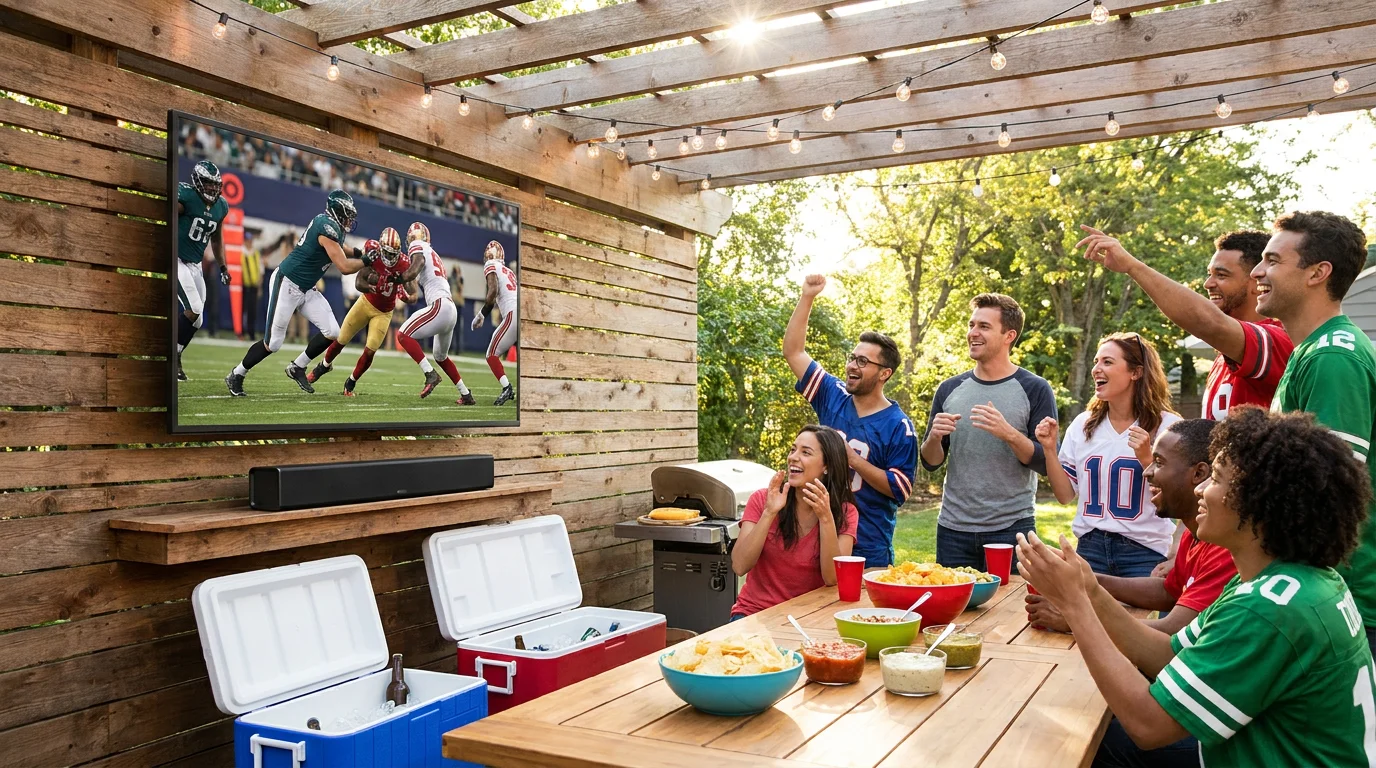
Outdoor spaces have no walls to reflect sound. The acoustic containment that makes TV speakers work reasonably well indoors simply does not exist outside — audio dissipates in every direction. Built-in TV speakers that produce adequate volume indoors will sound thin and insufficient in an open patio at conversation volume, let alone during a loud game.
For outdoor sports audio, the minimum viable solution is an outdoor-rated soundbar mounted below or above the TV. Brands like Sonos, Polk Audio Atrium, and Yamaha make weatherproof soundbars designed for this use case. A two-channel outdoor soundbar in the $200–$400 range makes a larger difference to the sports experience than almost any other upgrade.
For larger spaces or multiple seating areas, in-ground or in-wall outdoor speakers connected to a receiver give better coverage. This is the setup used in most commercial sports bar patios.
Mounting Position for Sports Viewing
Sports are typically watched from a fixed seating position — unlike social TV use where guests move around. This makes viewing angle and height optimization more important for sports setups than for other use cases.
- Height: Mount the center of the screen at seated eye level, or up to 15 degrees above. Higher mounts cause neck strain during long games.
- Tilt: Use a tilting or full-motion mount so you can adjust the angle based on where the sun is at kickoff time.
- Sun position: For afternoon games, a north or east-facing wall keeps the afternoon sun behind or beside viewers rather than behind the TV — the worst glare condition.
Streaming Reliability During Game Time
Peak sports streaming hours — Sunday afternoon NFL, playoff evenings — coincide with peak neighborhood WiFi congestion. If your outdoor TV relies on WiFi and your signal is marginal at the installation point, you will experience buffering at exactly the wrong moments.
Two solutions: run Ethernet to the TV location (most reliable), or install a dedicated outdoor WiFi access point within 20 feet of the TV. A stable connection showing 50+ Mbps at the TV location handles 4K HDR sports streaming without interruption. Test your connection speed at the TV location before game day, not during setup.
The Complete Sports Setup Checklist
- TV brightness: 1,000 nits minimum (1,500+ for partial sun)
- Native 120Hz panel for motion clarity
- Outdoor-rated soundbar or speaker system
- Tilt or full-motion mount for sun angle adjustment
- Ethernet connection or outdoor WiFi access point
- Outdoor-rated surge protector on the power circuit
- Shade structure (pergola, awning, shade sail) for afternoon games
Who Does Not Need a Full Sports Setup
If you watch sports outside only occasionally — one or two games a season — investing in a dedicated high-brightness TV, soundbar, and weatherproof infrastructure is over-building. A covered, shaded patio with a modest outdoor TV and a portable Bluetooth speaker is entirely adequate for infrequent use. The full setup described above is for households where outdoor sports watching is a regular, planned activity, not a once-in-a-while occasion.
For audio setup options in detail, see Outdoor TV Sound: Do You Need an External Speaker. For glare management during afternoon games, see Outdoor TV Glare: Causes, and How to Actually Fix It.

0 comments